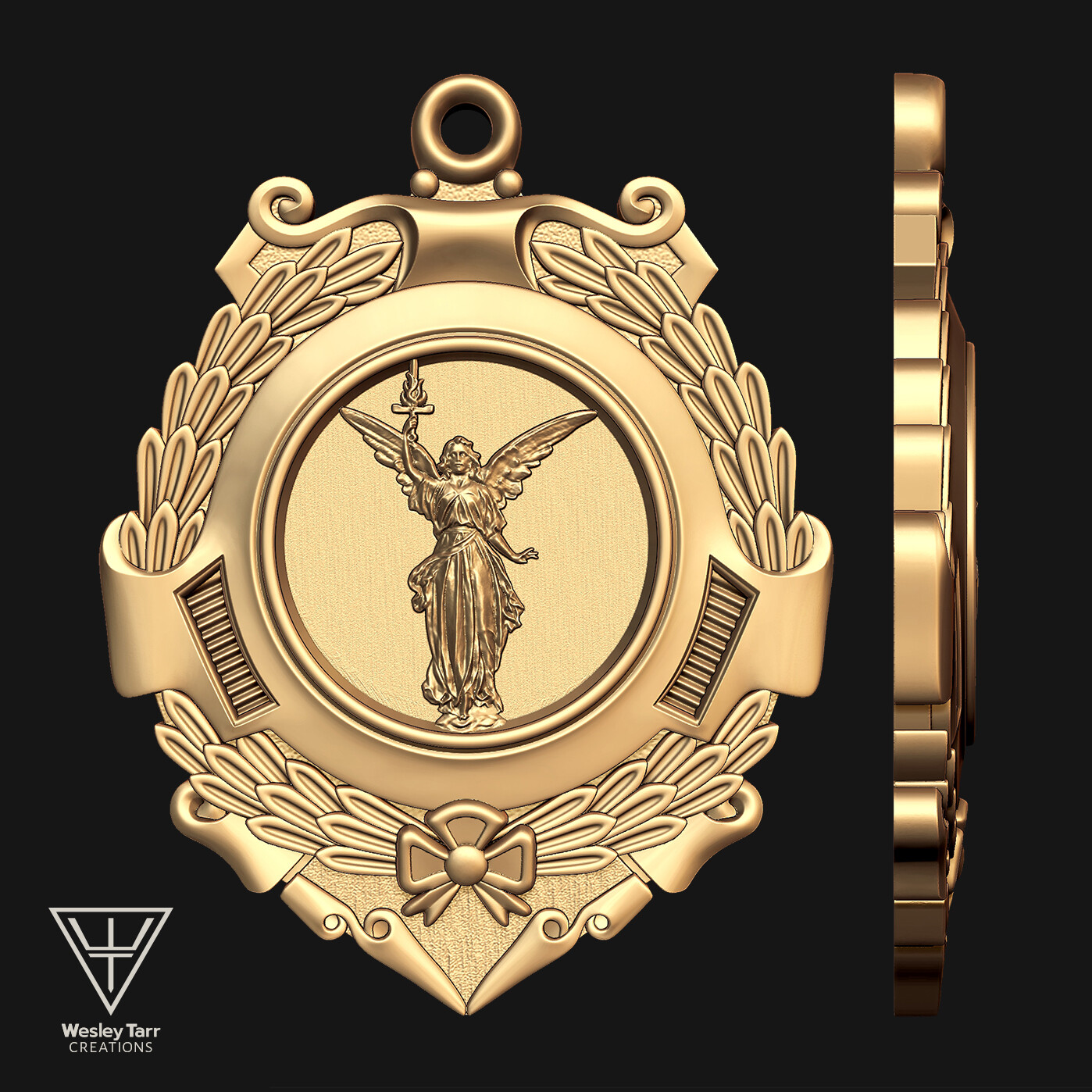


I took Lucy, a free 3d scan of a real life statue...

repositioned her wings, rotated her head, replaced her torch with a custom sword...

turned off prespective in ZBrush, applied NormalRGBMat material, took a 4k render...
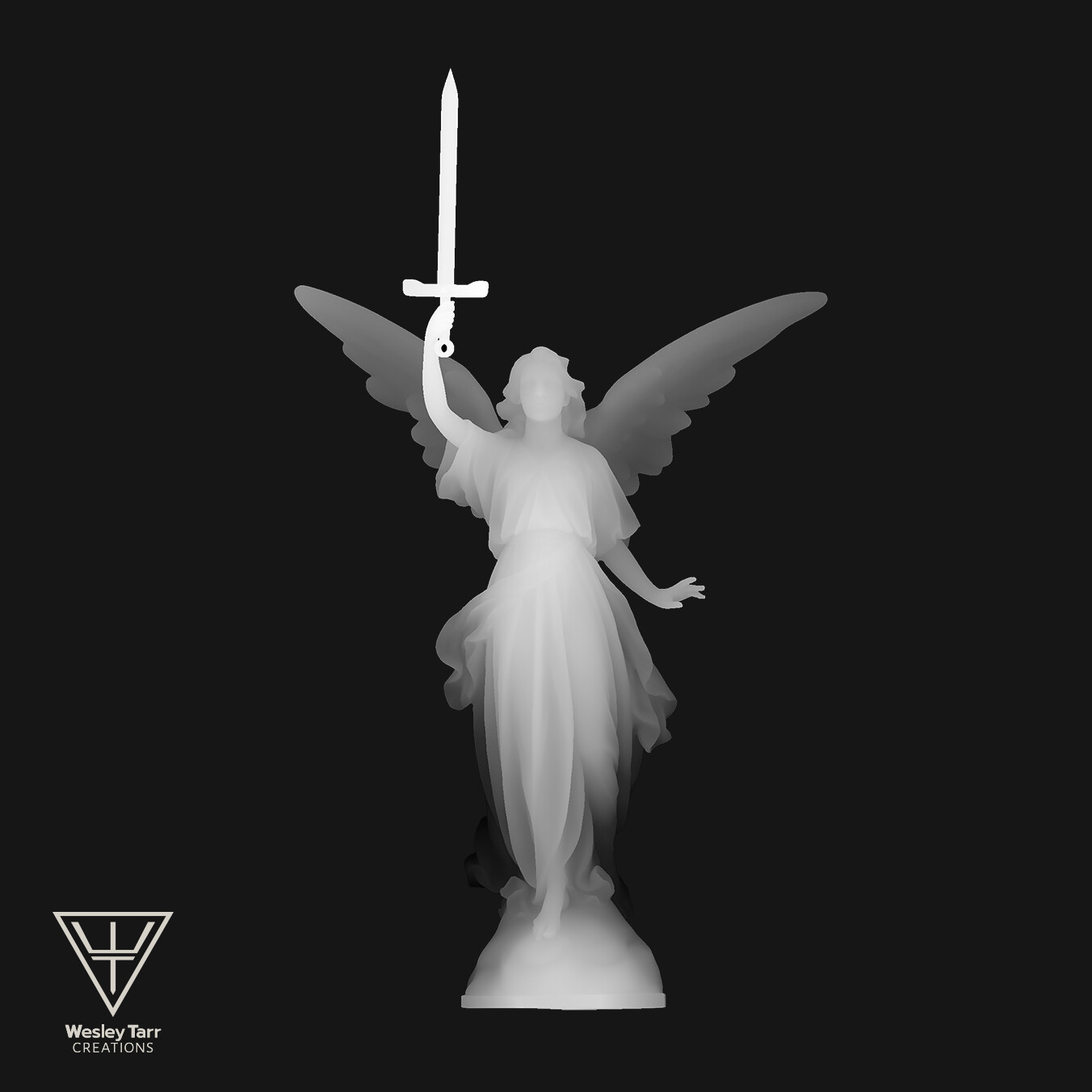
Grabbed a depth render in BPR Rendering in ZBrush incase I needed it (I did not here)...

Made a Silhouette Mask and converted the Normal render into a height map in Substance Designer...

The only node I edited the parameters on was the Height to Normal node. The Levels node turns the whole subject black for masking...

altered the contrast in Photoshop to make my Alpha in ZBrush...
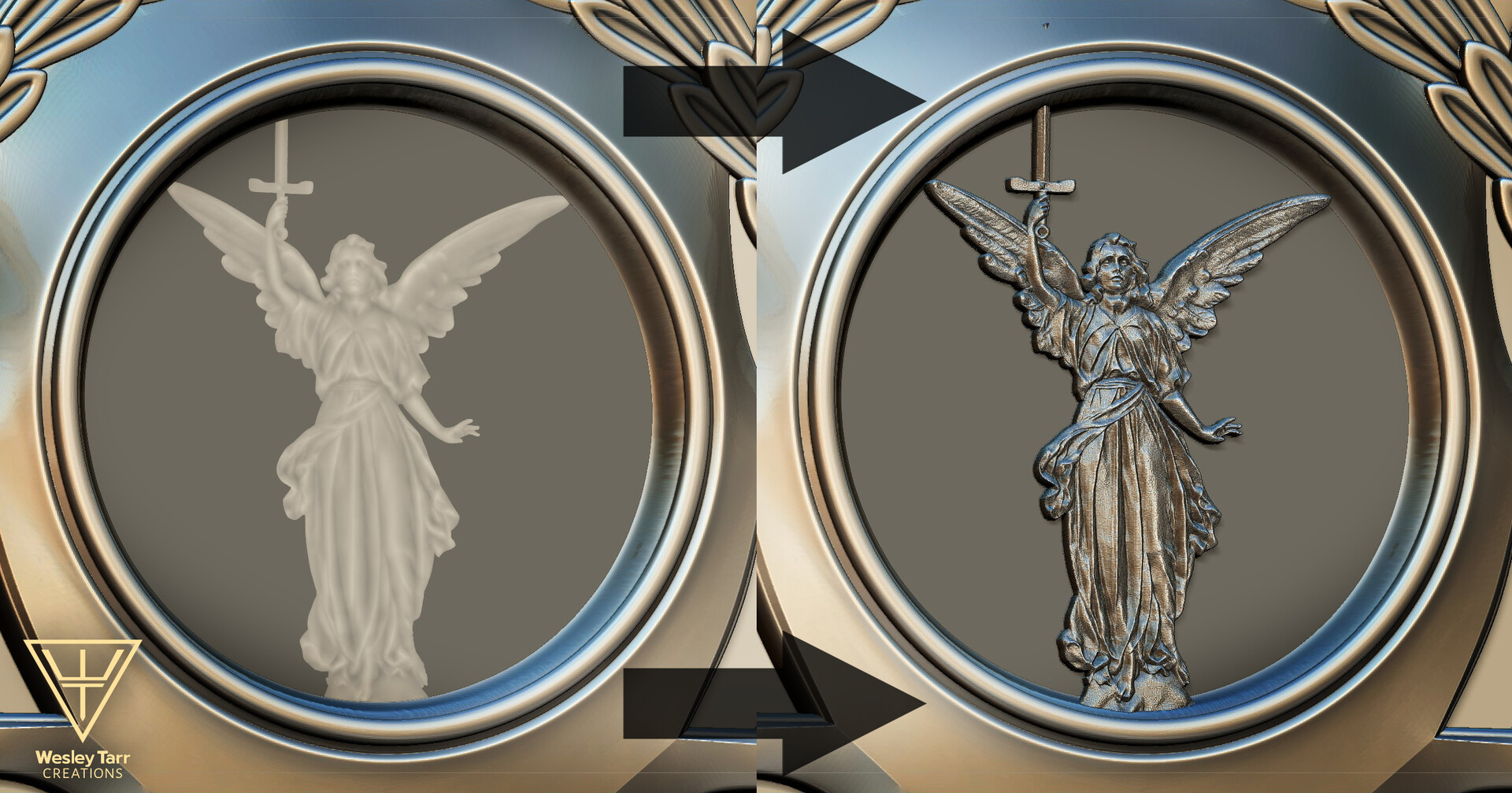
took a plane, UVed it, masked by alpha, and pulled the angel into existence using the move tool while holding ALT...

I smoothed out the pixel texture and gradient lines with the smooth function in the Deformation Tab on the top three highest subdivision levels plus manual smoothing with the smooth tool (holding shift)... Be careful here; I lost my sharp edges here.

Manipulated the depth in certain areas of the angel using the move tool while holding Alt while the Silhouette Mask was applied.
Pushed the edges of her skirt down, fixed her heavy browed face, and brought the center of her body forward, etc.
A Commission to make a pendant from provided source material. Made into tutorial for others to understand the mechanics behind this Very Useful technique.
The technique I used to streamline the process was to make an existing 3d model into a bas relief. I learned this technique from Stefan Claas, https://www.behance.net/gallery/62753223/Bas-reliefs-from-3D-models , thank you for the info.
For those who want to ask for help on this, email me or comment on this piece.
Wesley@wesleytarrcreations.com


